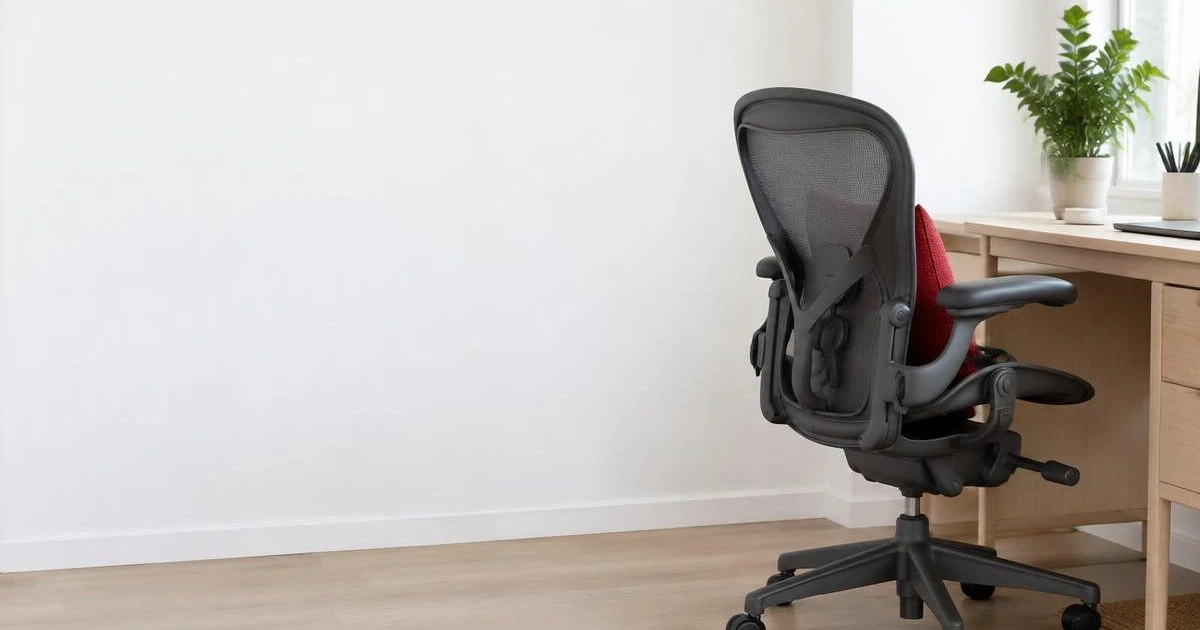
Open any office chair spec sheet and you will find a long list of features. Most of them do not decide whether you can work comfortably for eight hours. Five adjustments do. If a chair lets you set all five to fit your body, it will suit you. If it cannot, extra features will not make up for it.
This guide explains the five adjustments, how to set each one and what to look for when you try a chair. It uses Herman Miller examples, because those are the chairs we supply in Kazakhstan, but the principles apply to any chair.
THE SHORT ANSWER
- The five adjustments: seat height, seat depth, back and lumbar support, tilt and recline, and armrests.
- Fit comes before features. A chair that fits you at these five points beats one with more extras.
- Try before you buy. Sit in the chair long enough to feel it and do your normal work in it.
- For teams, choose range. People differ, so look for a wide range of adjustment rather than one fixed setting.
Start with how you sit
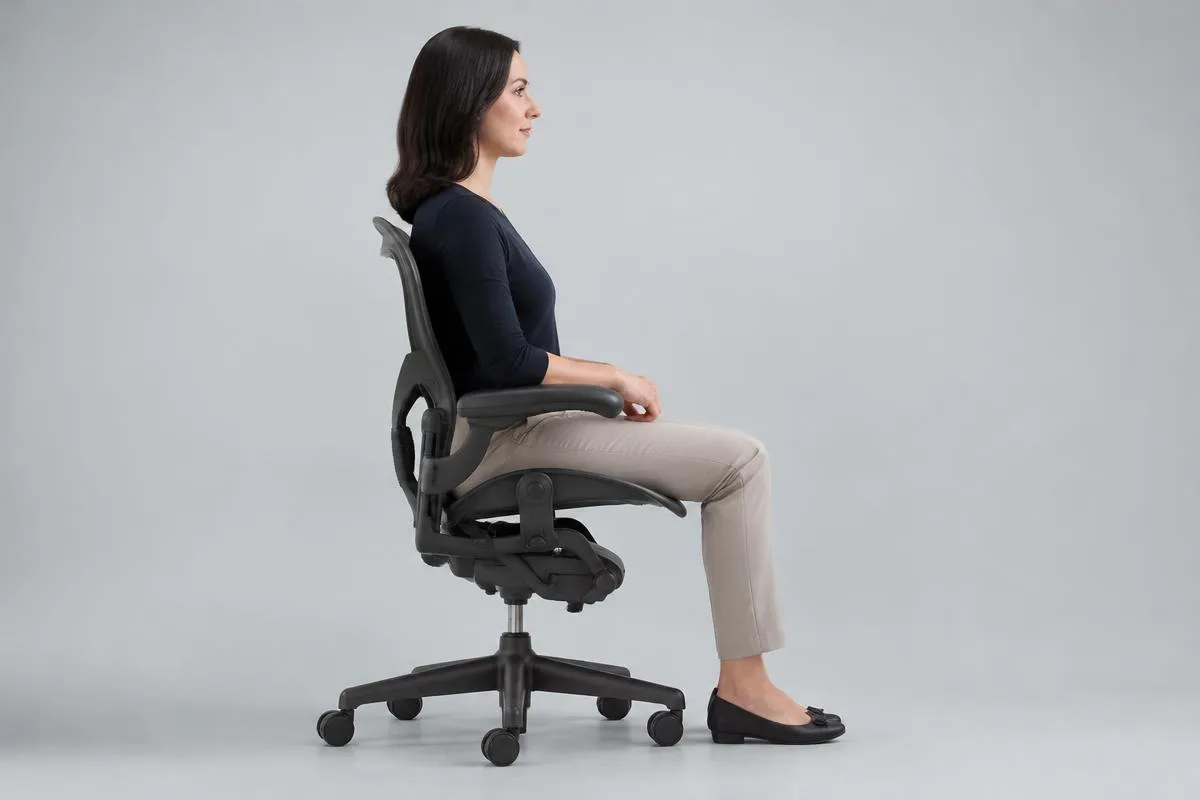
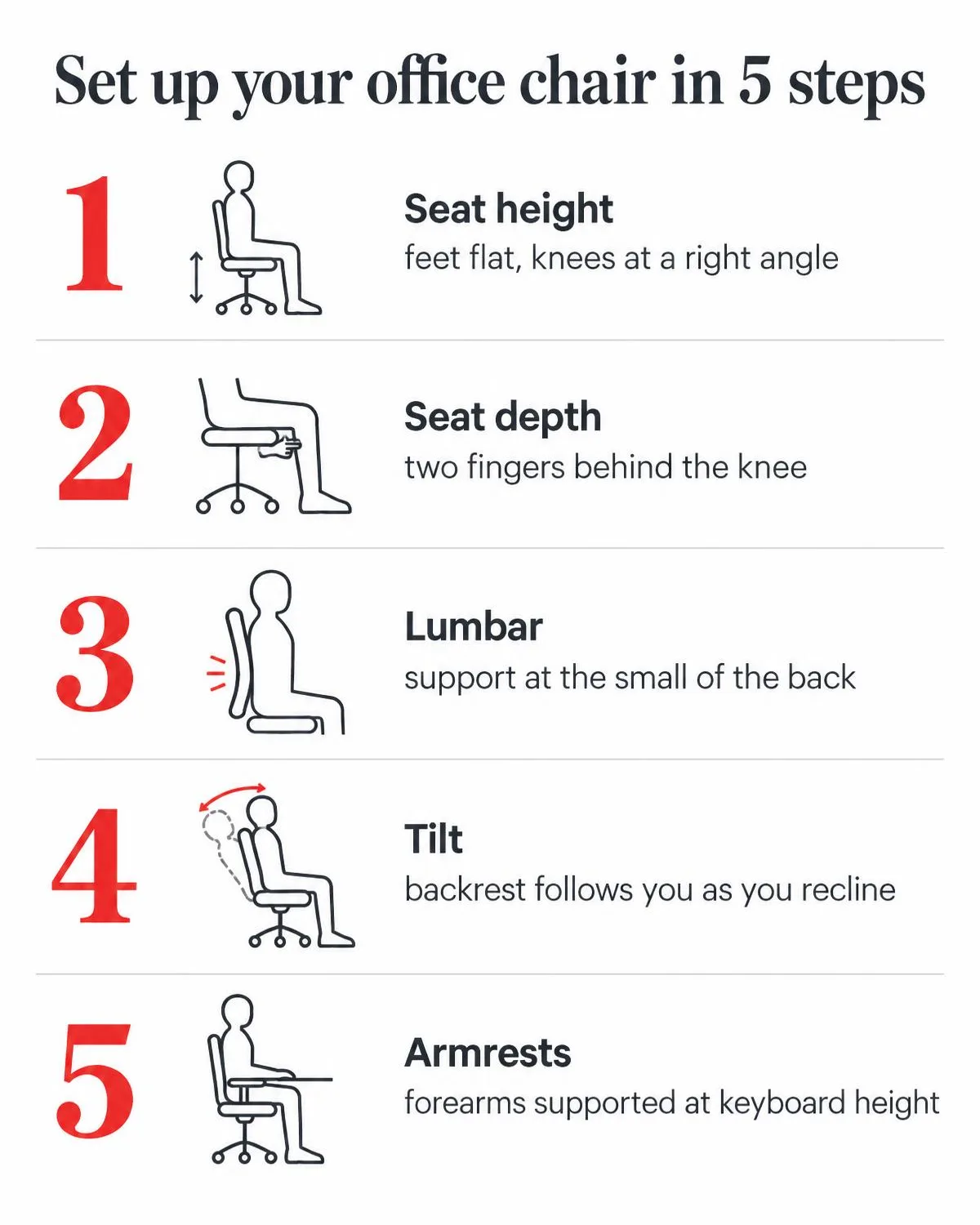
Adjustments only make sense against a target posture: feet flat on the floor, knees at roughly a right angle, back supported, shoulders relaxed and forearms level with the keyboard. You will not hold this posture all day, and you should not try to. The goal is a chair that supports it and lets you change position easily.
This is general ergonomic guidance, not medical advice. If you have pain or a medical condition, talk to a healthcare professional.
1. Seat height
Seat height sets the angle at your knees and the height of your forearms relative to the desk.
- How to set it: sit back in the chair with your feet flat on the floor and your thighs roughly level. Knees should be at about a right angle. Then check your keyboard: forearms level, shoulders relaxed.
- If the desk is too high: raise the chair for your arms and add a footrest for your feet, or use a height-adjustable desk.
- What to look for: a lift range that covers your height and your desk height, and a lever you can reach and use while seated.
2. Seat depth
Seat depth is how far the seat extends under your thighs.
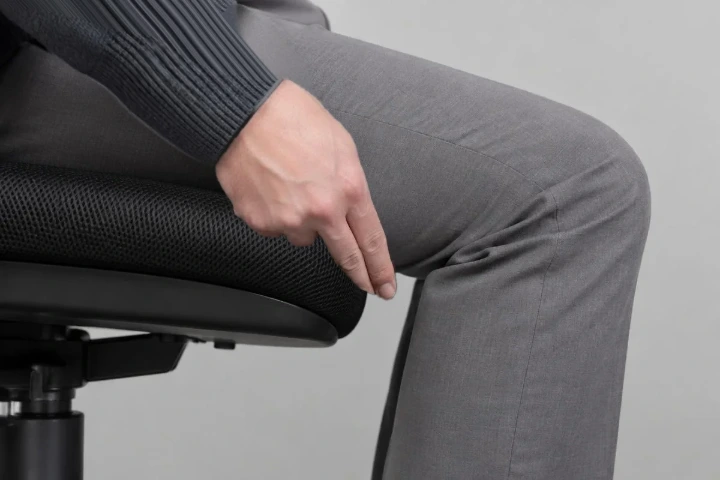
- How to set it: sit with your back against the backrest. You should be able to fit about two to three fingers between the front edge of the seat and the back of your knee.
- Too deep: the seat presses behind your knees and you perch forward, away from the back support.
- Too shallow: your thighs are left unsupported.
- What to look for: some chairs have a seat depth lever. Others, such as the Aeron, solve the same problem by offering different sizes. Our Aeron size guide shows how to choose.
3. Back and lumbar support
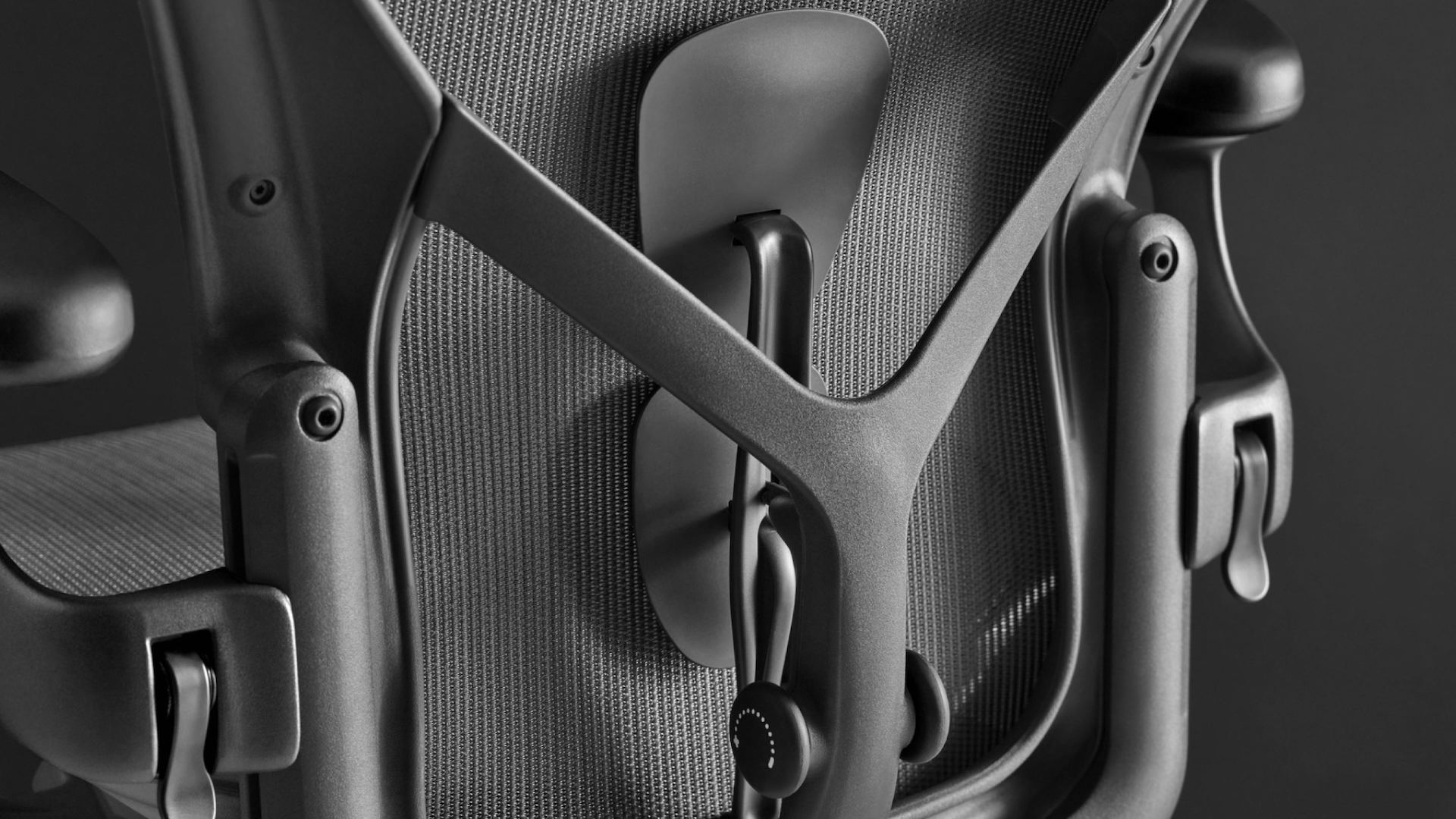
The backrest should meet the natural inward curve of your lower back, so your pelvis stays supported and you do not slump forward.
- How to set it: sit all the way back and adjust until the support sits at the small of your back, firm but not pushing you forward.
- What to look for: support that adjusts in height or depth, or a back designed to follow the shape of your spine.
- Herman Miller examples: the Aeron’s PostureFit SL supports the sacral and lumbar regions. The Embody’s BackFit adjustment lets you shape the backrest to follow the curve of your spine.
- Test it: a fixed support suits you only if its shape happens to match yours, so sit in it before you decide.
4. Tilt and recline
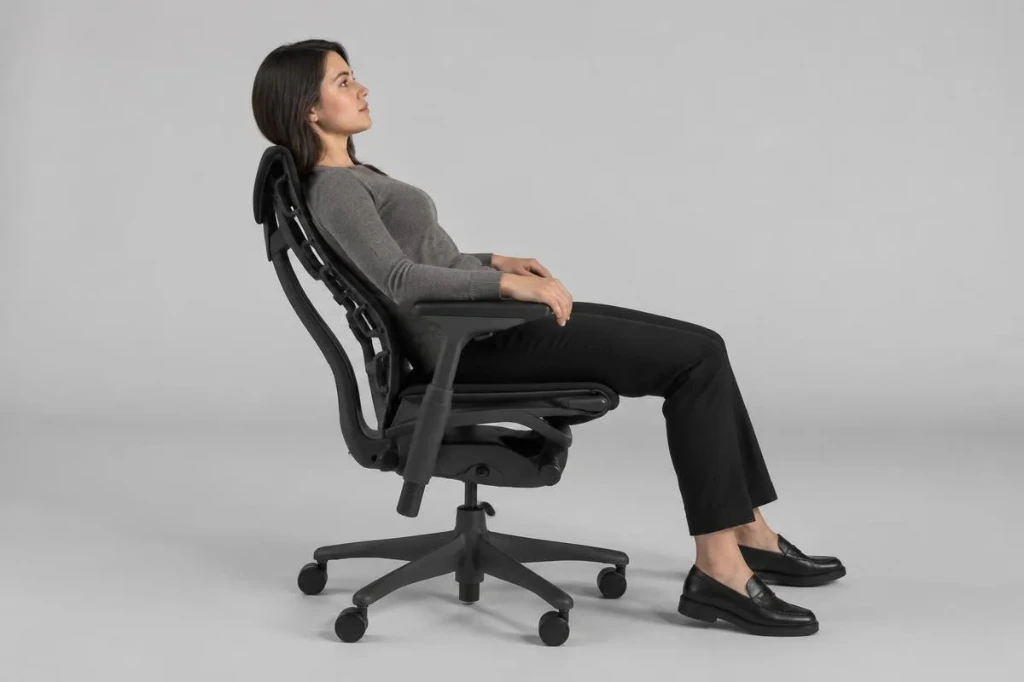
Tilt lets you lean back and change position while the backrest keeps supporting you. Small changes in posture through the day are easier on your body than holding one position.
- How to set it: adjust the tension so the chair reclines with moderate effort and returns when you lean forward. It should not fight you, and it should not feel as if you are falling back. Use a tilt lock or limiter if you prefer an upright position for typing.
- What to look for: a smooth recline where seat and back move together (the Embody has an 18 degree synchro-tilt), a tension control you can reach easily and a way to lock the position.
- Less to set: some chairs, such as the Herman Miller Cosm, use a self-adjusting recline, so there are fewer controls to manage.
5. Armrests
Armrests take the weight of your arms so your shoulders and neck can relax.
- How to set them: raise them until your elbows rest at roughly a right angle with your shoulders relaxed, not shrugged. Set the width so your arms hang naturally. If they adjust in depth or angle, set them so your forearms stay supported while you type.
- What to look for: height and width adjustment at a minimum. Armrests should let you pull the chair close to the desk.

Setting up your chair in 10 minutes
- Set the seat height so your feet are flat and your knees are at roughly a right angle.
- Slide your hips to the back of the seat and check the gap behind your knees.
- Adjust the back or lumbar support to the small of your back.
- Set the recline tension, and lock the tilt if you want it.
- Raise the armrests until your elbows rest at a right angle and your shoulders are relaxed. Then check your keyboard and screen height.
- Work normally for an hour, then fine-tune.
|
If your priority is |
Look at |
Why |
|
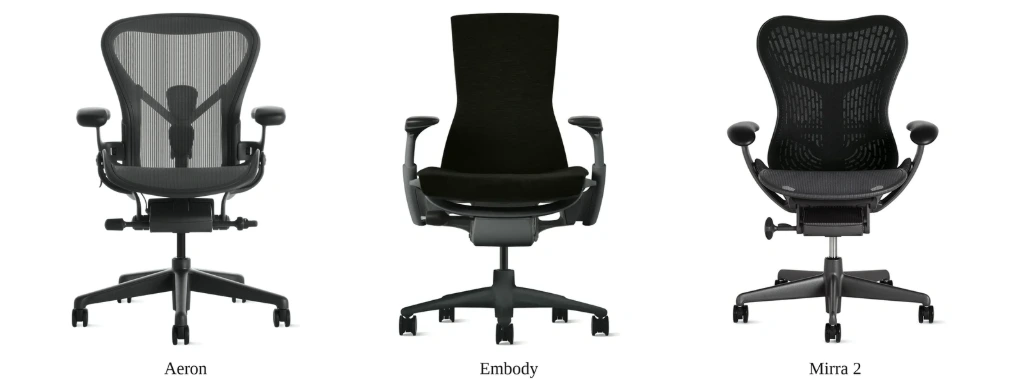
Breathable seat and back, with size options |
Aeron |
8Z Pellicle suspension and PostureFit SL back support. Available in different sizes. |
|
Long hours in front of a screen |
Embody |
Pixelated Support, BackFit adjustment, PostureFit support and 18 degree synchro-tilt. |
|
Fewer controls to manage |
Cosm |
A self-adjusting recline system. |
|
A broader comparison |
Aeron, Embody, Mirra 2, Sayl and Cosm |
See our chair comparison. |
Adjustment features differ by model and configuration. Check the specification of the exact chair you are considering, or ask us.
Try the chair properly
- Wear what you normally wear to work, including your usual shoes.
- Sit and work in the chair long enough to feel it. Thirty seconds is not enough.
- Do your typical tasks: typing, mouse work and the posture you use on a video call.
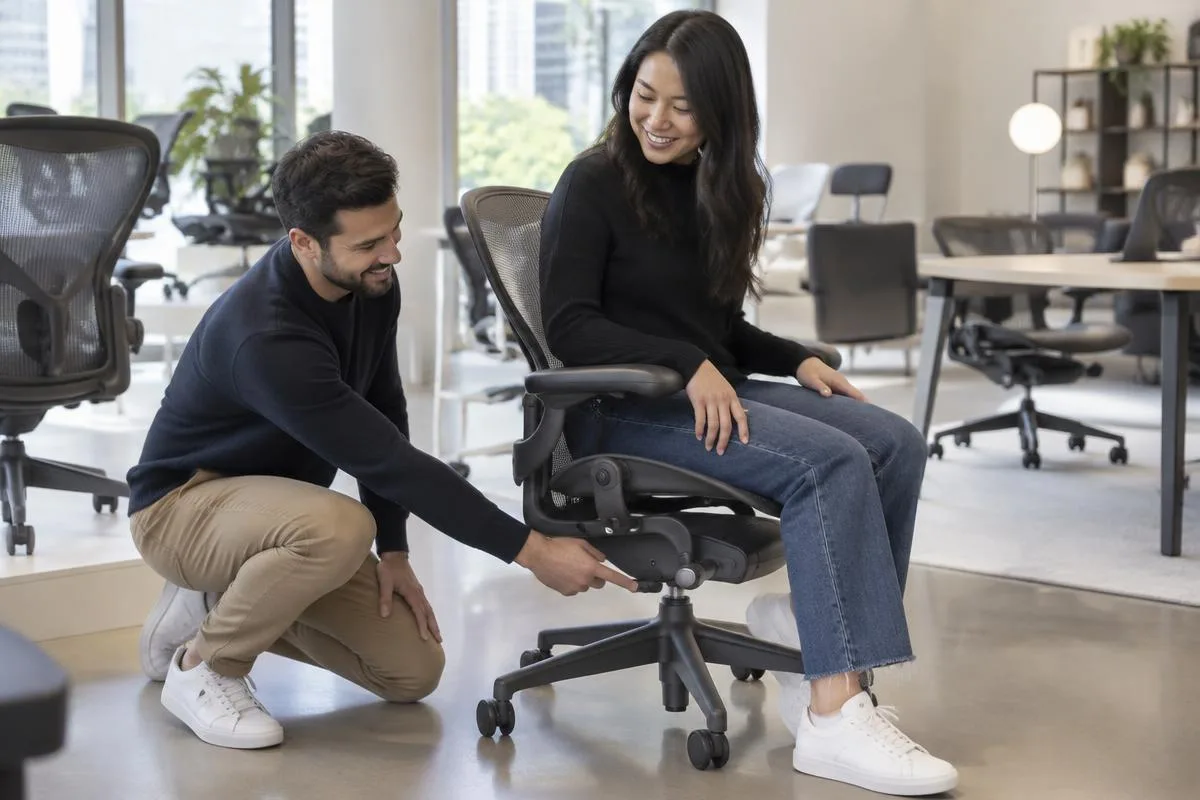
- Ask for a walkthrough of every adjustment, and make sure you can reach each control while seated.
- Note pressure points behind the knees, at the lower back and across the shoulders.
In Almaty, you can try selected Herman Miller configurations in our showroom and work through the five adjustments with a specialist.
Choosing for a team
One chair setting does not fit everyone. For teams, choose chairs with a wide range of adjustment, and consider size options where they exist. For orders of 10 or more workstations, our business programme includes an on-site ergonomic assessment and space planning before you order, volume pricing and a fixed quote within 48 hours. See how Sayl and Zeph chairs were specified for a pharmaceutical headquarters in Almaty.
After you buy
Treat your first setup as a starting point and revisit it after a few weeks. We help with chair adjustment and servicing after delivery. Herman Miller chairs supplied by Office Design carry a 12-year manufacturer warranty. Our warranty guide explains what it covers, and our guide to verifying a genuine Herman Miller chair shows how to check what you are buying.
Questions we hear
Seat height and seat depth are the foundation. They decide where your feet, knees and thighs end up. If those are wrong, back and armrest settings cannot compensate.
Not always. Some chairs use a back shaped to follow the spine. What matters is that the support meets your lower back, so test it in person.
For most computer work, yes. Supported forearms reduce the load on your shoulders and neck. If armrests stop you reaching the desk, lower them or choose a model where you can adjust them.
Long enough to move through your normal tasks and notice pressure points. A few seconds will not show you how the chair feels after an hour.
No. Price does not decide fit. The range of adjustment you can set to your body does. Test before you buy.
Yes. Selected configurations can be tried at our Almaty showroom. Contact us to check which ones are available.
Yes. Orders of 10 or more workstations are handled by a dedicated specialist, with volume pricing and a fixed quote within 48 hours.
NEXT STEP
Find the chair that
fits you
Visit our Almaty showroom to try Herman Miller chairs with a specialist, or browse the range online. Buying for a team? Ask for a volume quote.
Shop office chairs | Herman Miller Aeron | Herman Miller Embody | Contact us